Power Dekor Floors
Timber and laminate flooring, Auckland Showroom catalogue, no cart
Flooring is chosen in a showroom, but it is shortlisted online. This is a catalogue site rather than a checkout: every board has a code, a construction, a spec sheet and a wall of real photographs, and the work was making all of that legible to a search engine, to a customer on a phone, and to the person standing in the showroom the following Saturday.
What the catalogue looks like today.
Screenshots taken from the live site, not from a mockup. The brand, the ranges and the photography are the client's. The engine underneath is ours.
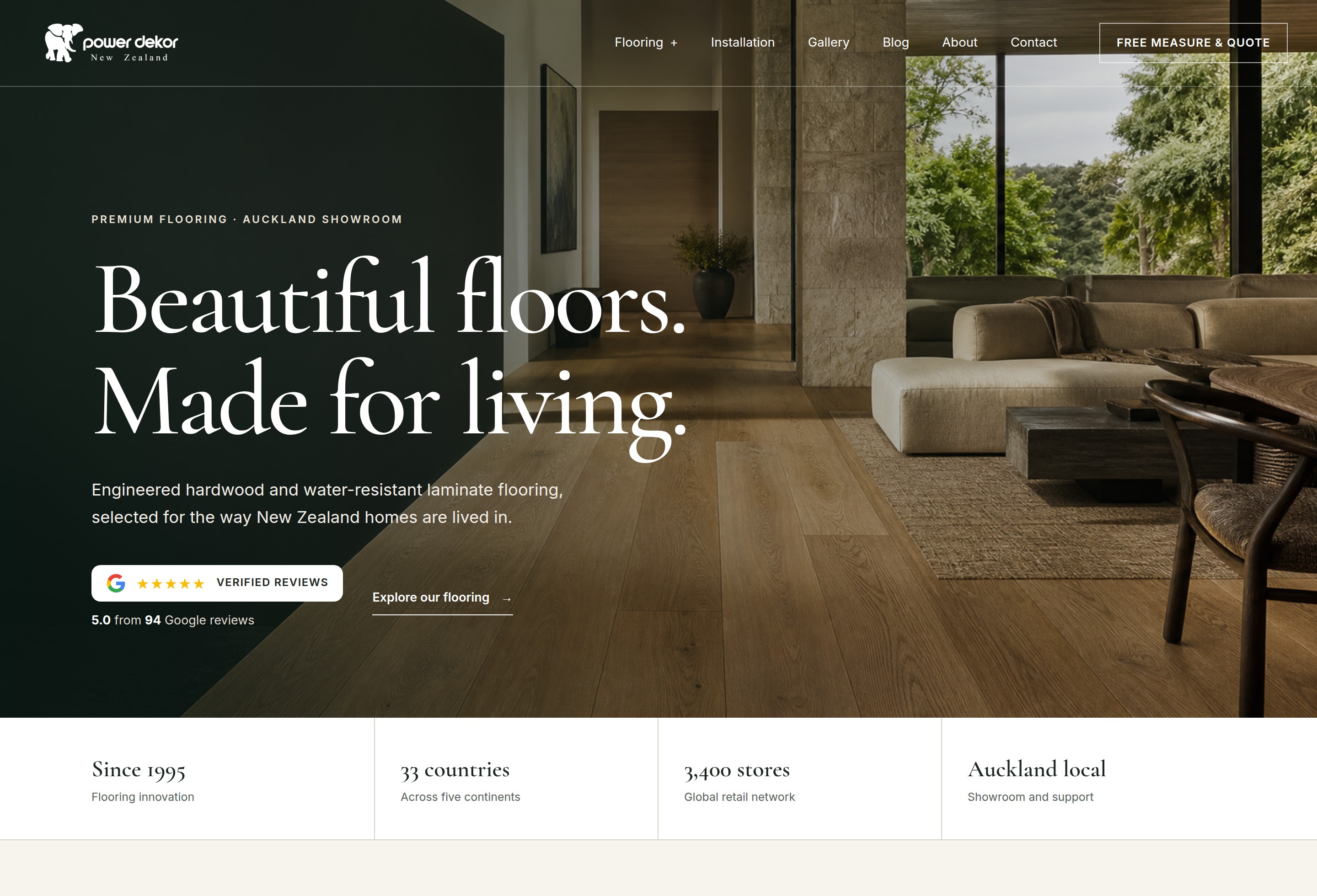
The homepage: one room, the promise, and the Google rating carried straight into the hero rather than buried at the bottom of the page.
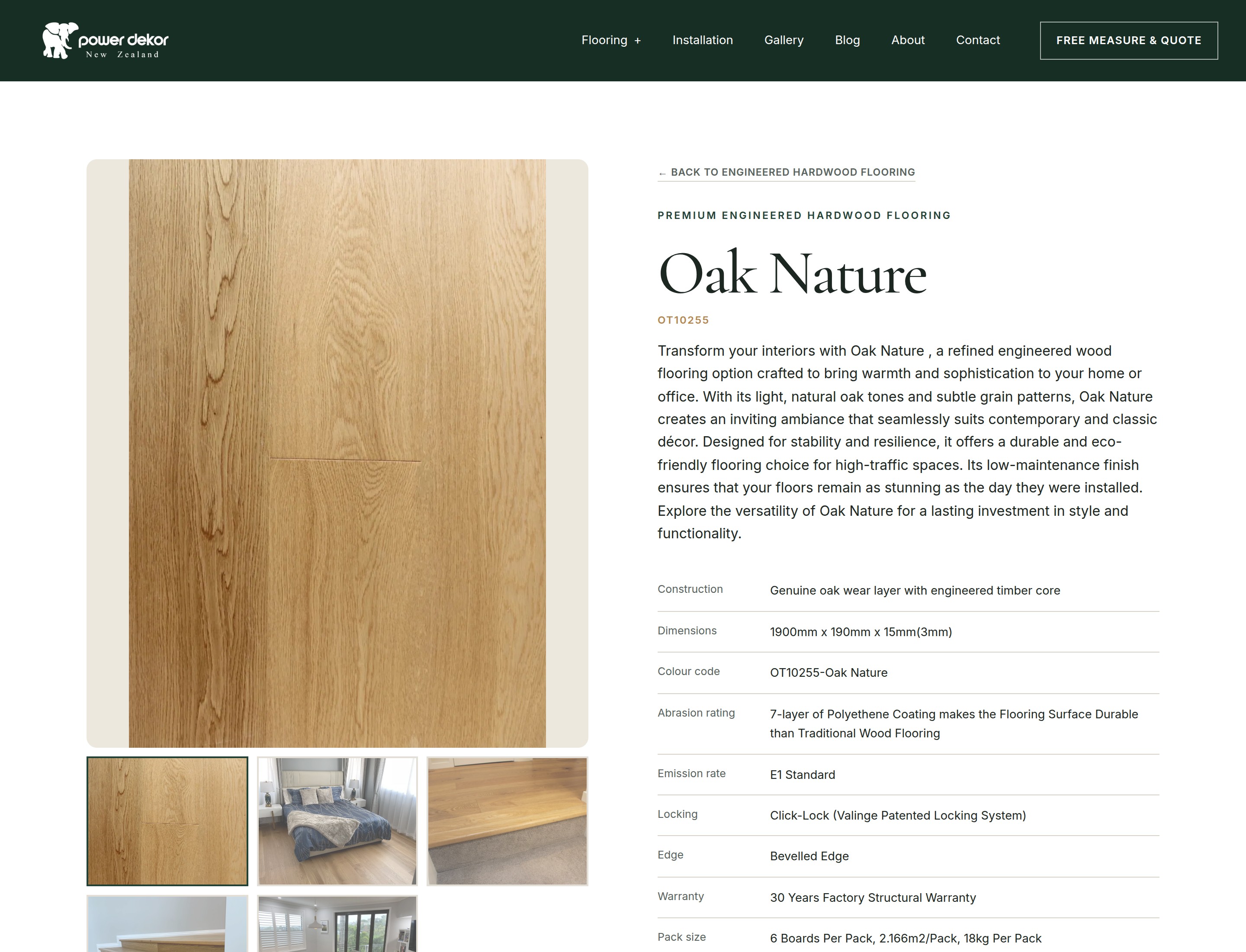
A product page. The gallery underneath the board is the full set of photographs for that floor, including real installs, and the table below is the same specification data the platform publishes as machine readable product markup.
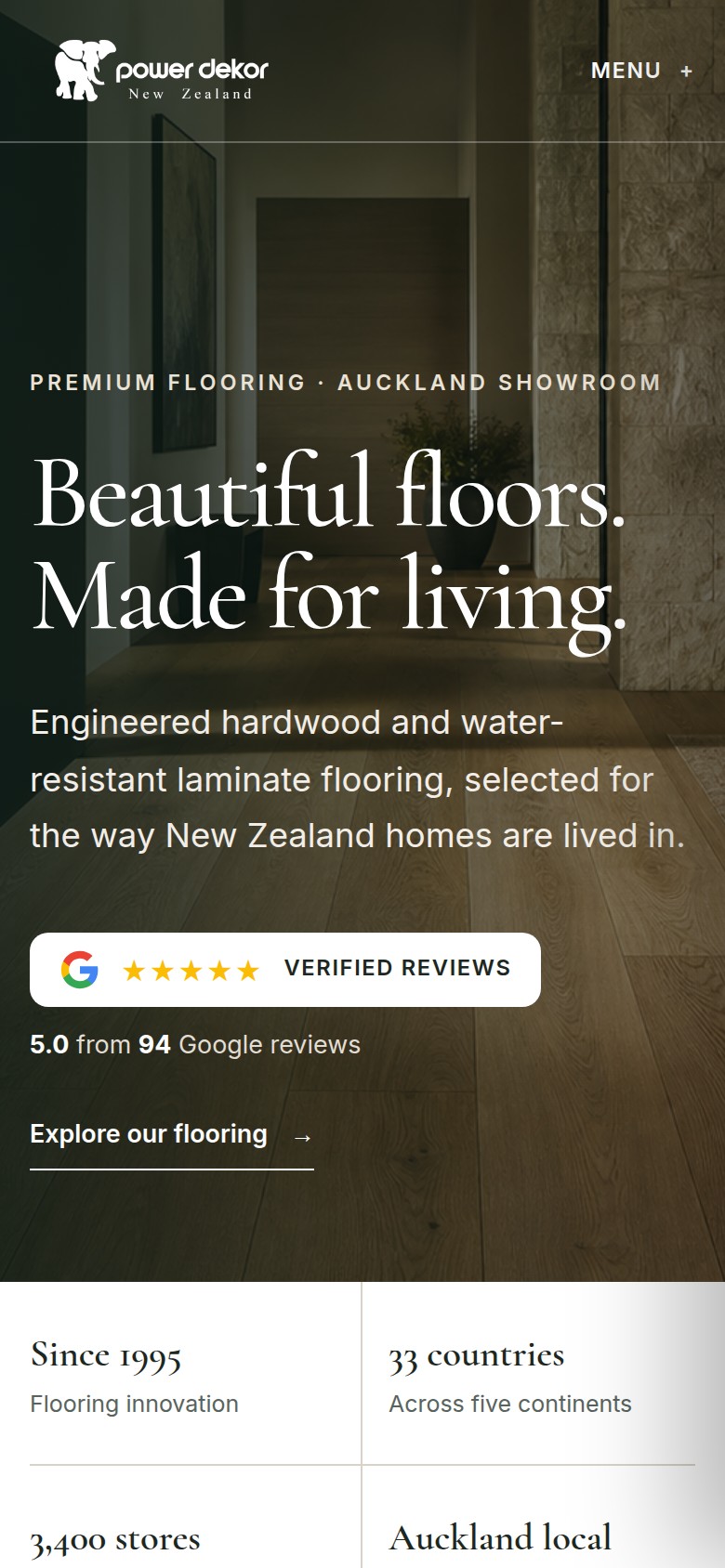
The same homepage at 390 pixels wide. Plenty of people read a spec sheet on this screen, standing on the floor they are thinking of replacing.
A catalogue that people could see but machines could not read.
Nobody buys a floor from a web page. They shortlist two or three, check the construction and the wear layer, look for a room that already has it in, and then come into the showroom with a colour code written on their phone. That makes a flooring site a reference work rather than a shop, and it has to behave like one: every range in its own section, every board with its code and its numbers, and a document for anyone who wants the full technical story.
On the site as it arrived, all of that was present as pictures and paragraphs and nothing more. Search engines saw a page of tiles rather than a list of products with codes. Spec sheets were plain files, which on an Android phone means a download prompt instead of a document. And the catalogue had come across carrying only the first few photographs of each floor, with the rest still sitting in the old system's media library, so the range that the showroom knew had a dozen real installs looked online like it had three.
A reference catalogue, and the plumbing under it.
Ranges that publish themselves as products
Each range on the site declares what its entries are, and the platform does the rest: a product list on the range page, a product record on every board carrying its code, its brand, its construction and its category, and a breadcrumb trail on both. It is written once, in the data, rather than pasted into each page as a block of markup that goes stale the moment a board is renamed.
Spec sheets that open like a page
Warranty statements, emission certificates and installation guides live on the site as documents you can read in place, with the site's own header above them and a download button for people who want the file. The viewer is served by the platform, so no visitor is handed a file they did not ask for and nothing is farmed out to a document hosting service.
The whole photo library, back in place
Every board now carries its full gallery, opened in a lightbox, including the installed rooms that do more selling than any studio shot of a plank. Restoring them meant going back to the original media library and bringing each image across at the size it was actually shot, with the lead photograph left exactly where it was so nothing on the site moved.
Pages the team can maintain
Certificates are reissued and documents get replaced, so the editor on this site can remove and duplicate the entries in a list directly, not just retype the words inside them. Housekeeping that would otherwise arrive as a request and wait for us is something their own team does in a couple of minutes.
Three problems, and what happened to them.
This is the part that does not fit in a feature list. Each of these became a change to the platform rather than a workaround on one site, which is why they are worth writing down.
Teaching search engines what a range is
The problem. A range page looked to a search engine like a page of photographs. Nothing said that each tile was a product with a code, a brand and a construction, and the one page that did say so had its markup written by hand, which is a promise to keep two things in step forever.
What we did. We built the emitter into the platform. A collection declares what type of thing it holds and maps its own fields onto the standard ones, and every range page and product page is published with correct markup from then on. The hand written block came out. This site was the first to run it, and it is now available to every site on WebForger.
A spec sheet that a phone will show you
The problem. Tapping a technical document on an Android phone does not open it. It offers to download a file, and some people stop right there, which is a strange way to treat the document that answers the question a serious buyer is asking.
What we did. We added a document viewer to the platform: every file gets a page of its own on the site, renders in the browser on any device, and keeps a download button for the people who do want the file. This site switched it on first and the whole downloads library now runs through it.
The photographs that never arrived
The problem. The showroom knew there were far more photographs of each floor than the site was showing. The catalogue had been imported at some earlier point with only the first few images per product, and everything after that had quietly been left behind.
What we did. We proved where the loss happened, went back to the original media library, and refilled every product in the live catalogue with its full set at full resolution. The lead image stayed put so no page changed shape, the earlier files were archived before the swap, and the galleries went from token to complete.
One of ours is running here.
Every app on the platform is included on every site at no monthly fee. For a business whose reputation is built in a showroom, one of them does most of the work.
Google Reviews
FREE
What customers have written about the showroom, pulled from the Google business profile and rendered as a real section of the site in its own type and colours: the rating badge in the hero, the score and count together, and a wall of cards underneath. It is the same reputation the business already earned, read on the page instead of on another website.
Selling something people come in to choose?
Showrooms, trade suppliers and anyone with a catalogue of specified product all have the same website problem: the detail that closes the sale is the detail nobody can find. If your ranges are pictures rather than products, your spec sheets are downloads, and half your photography never made it onto the site, that is all fixable, and it is the sort of thing we fix in the platform rather than on one page. WebForger is invite only, so the first step is a short application rather than a signup form.