WebForger Apps
Every WebForger site comes with every app, and none of them carry a monthly fee. On Shopify or Wix, each capability you bolt on is another subscription that renews forever, and the bill grows as your orders grow. Here the apps are part of the platform you already pay for. You switch one on when the business needs it, and nothing changes on your invoice.

Most website platforms make their real margin on the second sale. The site is cheap, then reviews are a monthly app, bookings are a monthly app, shipping labels are a monthly app, and popups are a monthly app. Six modest add ons at a hundred dollars each is seven thousand two hundred dollars a year, forever, on top of the platform. We do not fund the platform that way, so we do not have to charge for any of this.
Four things that are true of every app on this page.
Included, never rented
Every app listed below is available on every WebForger site at zero monthly fee, on every plan, including the free preview tier. There is no usage tier that unlocks them and no order volume that starts charging for them.
First party, one support queue
We wrote them, we host them and we fix them. When something misbehaves you write to us, not to a third party vendor who tells you it is the platform's fault while the platform tells you it is the vendor's.
Running on real businesses
None of this is a roadmap. Every app below is live on the platform today, and most of them already run on New Zealand retail, rental and service businesses, taking real orders, real bookings and real enquiries every week.
No third party scripts
App content is rendered into the page on our own edge network rather than loaded from somebody else's server after your page appears. That is why adding four of them does not undo the speed you bought the site for.
Apps for every kind of site, grouped by the job they do.
Each one is switched on per site from your dashboard, by us or by you. Nothing here is a trial, a starter tier or a capped plan.
Bookings and reservations

Booking
FREE
Customers pick a service and a time slot on your site and submit a request. You get an email and approve or decline it in one click, from the email itself or from your dashboard, and the customer is notified either way. Requests can also be cancelled and rescheduled without anyone picking up a phone, and a booking that nobody confirms expires on its own instead of sitting in limbo.
Best for: service businesses that want to vet the diary before it fills.

Rental Booking
FREE
Sell a date range instead of a unit. The customer picks their hire dates, the calendar knows which sizes and which specific items are already out, and the dates are held while they check out so two people cannot book the same piece. Buffer days for cleaning or turnaround are set per product and are never offered to anyone.
Best for: hire businesses, from garments and equipment to event gear.
Ecommerce operations

Shipping
FREE
Paid orders are pushed straight into your Starshipit account, so the address, the contents and the weight are already there when you print, and the tracking number comes back to the order without you writing an email. That reaches most New Zealand and Australian couriers on day one. Where a carrier has its own API, or a third party warehouse does your picking, we build that integration for you instead. Your courier accounts stay yours and your rates stay yours.
Best for: stores shipping enough parcels that copying addresses has become a job, and anyone with a warehouse in the loop.

Product Reviews
FREE
Your own reviews, on your own domain, with photos. Star ratings sit on the product page and the collection cards, the review wall opens customer photos full size, and the rating is written into the page as structured data so search engines can show it. Review request emails go out after delivery, and reviews you already collected on Judge.me or Shopify can be imported so you do not start from zero.
Best for: any store where the next customer wants to see the last one.

Subscriptions
FREE
Subscribe and save on the products people buy again. Each delivery frequency carries its own discount, renewals are charged automatically at the price the customer signed up at, and a declined card is retried with an email asking them to update it. Customers skip, pause, change frequency or cancel from their own account, and there is no fee from us on any renewal.
Best for: stores selling anything that runs out, from coffee and supplements to pet food.

Bundles
FREE
Sell products that belong together as one set at one price, fixed or as an amount or percentage off, with the saving shown. Shoppers can pick the colour or size where you allow it, and every sale comes straight out of the stock of the products inside, so there is no second inventory to manage.
Best for: stores with products that go together, from gift sets to starter kits.
Growth and trust

Google Reviews
FREE
The reviews you have already earned on your Google business profile, rendered as a proper section of your site with reviewer names, ratings and photos. It refreshes on its own, so the wall stays current without anyone pasting screenshots.
Best for: local businesses whose reputation already lives on Google.

Announcements
FREE
A site wide bar or a modest popup for a sale, a holiday closure or a shipping cut off. It takes its colours from your site's own design tokens, so it looks like part of the site rather than a bolted on widget, and a start and end date means the notice retires itself.
Best for: anyone who has ever left a Christmas notice up until March.
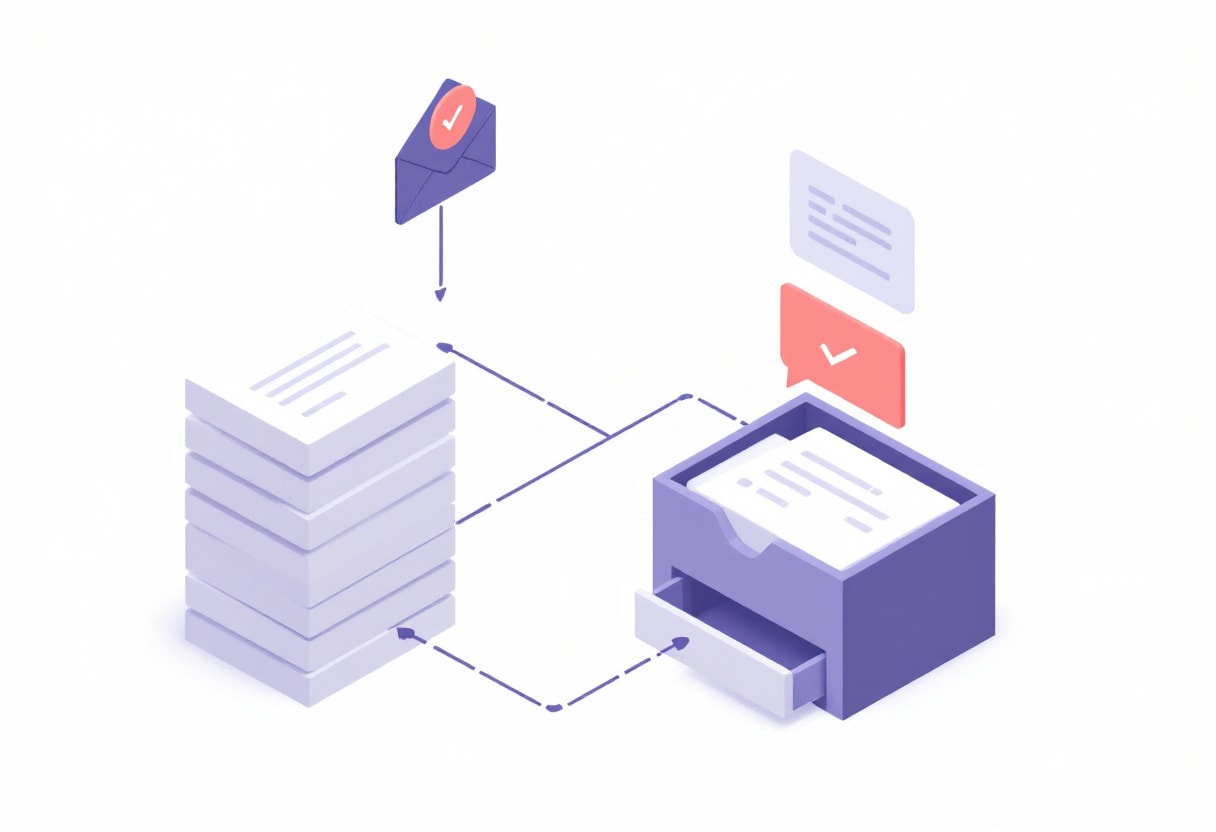
Leads Flux
FREE
Contact form submissions are sorted into genuine enquiries, sales pitches and junk, and the junk is quarantined rather than deleted so nothing real disappears. For a genuine enquiry a first reply is drafted for you from your own pages and past answers. Nothing is ever sent until you read it and approve it.
Best for: businesses where a slow reply is the reason the job went elsewhere.

Campaigns
FREE
Email marketing that reads your subscribers straight from the store, so there is no list to sync into another tool. Send to everyone, to customers who have bought before or to people who have not bought yet, start from a template already filled with your newest products and prices, and see deliveries, opens and clicks afterwards. Your logo and colours are applied for you.
Best for: stores that want to email their own customers without paying per contact.

Members
FREE
A points and levels loyalty program on your own customer accounts. Customers earn points on every paid order and spend them in one click at checkout, levels unlock automatic member prices, new accounts get a welcome code and members can receive a birthday gift.
Best for: stores whose customers come back, from fashion and beauty to specialty food.
Built into every site, no app required.
On a subscription platform most of the list below arrives as paid add ons. Here it is simply what a WebForger site does on the day it goes live.
Online store
Products, variants, stock, cart and checkout on your own Stripe account.
Order editing
Change a paid order and send a balance invoice or a refund for the difference.
Draft orders
Build an order by hand for a phone or counter sale and send it out for payment.
Store credit
Refund to credit and let customers spend it at checkout instead of losing the sale.
Abandoned cart recovery
Timed reminder emails to shoppers who left before paying, with attribution.
Discount rules
Codes, automatic discounts, free shipping thresholds and campaign windows.
Customers and subscribers
Customer profiles with order history, plus your mailing list in the same place.
Google Merchant feed
A product feed kept current for Google Shopping, generated from your catalogue.
First party analytics
Traffic and revenue figures measured by us, with no third party tracker on the page.
Conversion funnels
See where people drop out between landing, cart, checkout and payment.
Ads conversion feedback
Real sales and enquiries sent back to Google Ads so bidding learns from outcomes.
Enquiry inbox
Every form submission stored, searchable and exportable, not just emailed once.
Blog and technical SEO
Sitemaps, canonicals, hreflang and structured data produced for you, not configured.
Menu editing
Rearrange your own navigation, including dropdowns, without asking anyone.
Migration and redirects
A one click WordPress export plugin, plus redirect rules so old URLs keep their rankings.
Design changes with rollback
Colours, fonts and layout edited in the dashboard, with a snapshot to fall back to.
This is not a directory of other people's software.
An app store is a marketplace. Somebody else writes the code, the platform takes a cut of the subscription, and your store ends up depending on a dozen vendors with a dozen renewal dates, a dozen privacy policies and a dozen scripts loading on your product page. When one of them is sold, deprecated or quietly broken by a platform update, it is your checkout that stops working and your support ticket that goes into somebody else's queue.
Every app on this page was written by the same team that writes the platform, runs on the same infrastructure, and is deployed and monitored by us. Each one exists because a client needed it on a real deadline, which is also why none of them try to do twenty things. The reviews app was built for a bag retailer who wanted photo reviews without another monthly bill. The shipping app was built for an outdoor equipment maker who was retyping addresses into a courier portal. The rental app was built for a hire business that had been taking bookings by email.
All of them run on the same production platform as every site we host, and most are already handling real orders and real money for New Zealand businesses. When we ship a fix for one of those businesses, every other site on the platform gets it the same day, for nothing. That is the part a marketplace cannot do.
What people ask about the apps.
Are the apps genuinely free, or free for a while?
Do I install them myself?
How is this different from the Shopify or Wix app store?
Will new apps cost extra when they launch?
We need something that is not on this list. Can you build it?
Do the apps slow my site down?
Add up what you currently pay monthly for. Then tell us about your site.
WebForger is invite only, so the first step is a short application rather than a signup form. Tell us what you are running now, what your add ons cost you each month and what you keep wishing the site could do. If we are not the right fit we will say so, and you will still leave with a straight answer.