How AI Website Builders Actually Work in 2026: A Pipeline Breakdown

Most "AI website builders" in 2026 are not AI website builders. They are template galleries with a chat box bolted on. The chat box rewrites paragraph text. The template stays the same. You pay $19 a month for the privilege of feeding adjectives into a placeholder.
The real ones are different, and the difference shows up everywhere: in the page count they can generate, in how the homepage looks for two unrelated businesses, in whether you can edit a single sentence without regenerating the whole page. This guide walks through how the good ones actually work, structured around the questions people search for in this order. If a question sounds like one you have actually typed into Google, it is probably here.
Curious how WebForger does this? See a live preview
What does an AI website builder actually generate?
It depends entirely on whether the builder is a real generative pipeline or a template engine. A real one generates structured content for each page: a hero with a copy block written from your business brief, a services grid with sections it inferred you would need, an about section in your tone of voice, FAQ entries scoped to your industry, and an image set per page. A template engine generates filler text inside fixed slots and calls it AI.
The fastest tell: ask for two completely different businesses (a dentist and a moving company). If the homepage layouts are structurally identical with different words slotted in, you are looking at a template engine, not an AI builder. The good ones produce visibly different page architectures because they pick the right one for the brief.
How does the pipeline actually work, step by step?
Most serious AI website builders run roughly five stages. The names differ between vendors, but the shape is the same.

1. Brief intake. You give the builder a few facts: business name, what you do, who you serve, sometimes a city. The builder normalises that into structured fields: industry, services list, locations, tone of voice. Unglamorous but critical. A clean brief is the difference between "a website for an Auckland plumber" and a generic "home services" template.
2. Information architecture. Before writing a single word, the builder decides what pages your site needs. A plumber gets Home, Services, Service Areas, About, Contact. A SaaS gets Home, Pricing, Docs, Changelog, Contact. A local cafe gets Home, Menu, Locations, Contact. Picking the right page set is one of the biggest leverage points in the whole pipeline. Many builders skip this and just give everyone the same five pages.
3. Layout and copy generation. For each page, the builder picks a section pattern (hero, then services grid, then proof bar, then FAQ, then contact strip) and asks the LLM to write each section against the structured brief. Modern builders constrain the model heavily: section by section, with a JSON schema, with a target word count, with brand voice baked into the system prompt. Letting an LLM write a whole page in one shot is how you get walls of vague filler. Section-level prompting is how you get copy that sounds like a real business.
4. Imagery. Three options here, and the difference is huge. Stock photos pulled from a generic library look cheap and instantly readable as "AI website." Proper image generation through dedicated image models can produce on-brand hero shots, but the prompts have to describe scene, light, composition, and style, or you get the same glossy 3D render every other AI site has. The best builders generate images per page based on the actual content of that page, not one generic hero reused six times.
5. Assembly and hosting. The pieces get stitched into HTML, CSS, and a deployable bundle. This is where architecture matters most. Some builders output static HTML that loads in under a second on any phone. Others output a heavyweight SPA that ships 2 MB of JavaScript before showing a single pixel. From a Core Web Vitals and SEO perspective, the gap between these two outputs is enormous, even when the visible page looks identical.
What is AI genuinely good at when building websites?
Three things have moved past the hype.

Drafting at speed. A modern builder can put a 6-page site in front of you in under five minutes. That is faster than booking a discovery call with an agency, and the draft is often 80% of what you actually need.
Local variations at scale. Spinning up service-area pages for 12 suburbs, each with location-specific copy, used to be a week of agency work. Now it is a loop with a prompt. This is the part that actually moves the needle on local SEO.
Structured rewrites. Tone shifts, tightening copy, swapping a service in or out. These are exactly what LLMs do well, because they are localised edits with clear context. Instead of opening a CMS field and rewriting from scratch, you describe the change and the model executes it in the existing voice.
What can AI not do, and probably will not for a long time?
This is the part vendors leave out of the hero video.
Strategy. No model knows that your real differentiator is same-day callouts in West Auckland unless you tell it. Positioning is still a human decision. The builder can execute a brief beautifully and still produce the wrong site if the brief is wrong.
Photography of the real world. Generated images are great for atmosphere, abstract heroes, and editorial shots. They are not great for showing your actual van, your actual cafe, your actual team. Real photos still win for trust signals.
Trust signals you have to bring. Reviews, certifications, case studies, before-and-after photos. The model cannot make these up (and should not). You bring them, the builder places them well.
Maintenance. A site is not a deliverable, it is a living thing. New blog posts, new services, seasonal updates, broken-link checks. Most AI builders are good at the first generation and weak at the steady state. The platforms worth watching are the ones treating ongoing edits as a first-class workflow, not a one-shot.
Why does static output beat heavy SPAs?
This is the part most comparisons ignore. Two AI builders can ship visually identical homepages, but one loads in 0.4 seconds and the other in 2.8. Google's Core Web Vitals notices. Customers on a 4G phone notice even more.
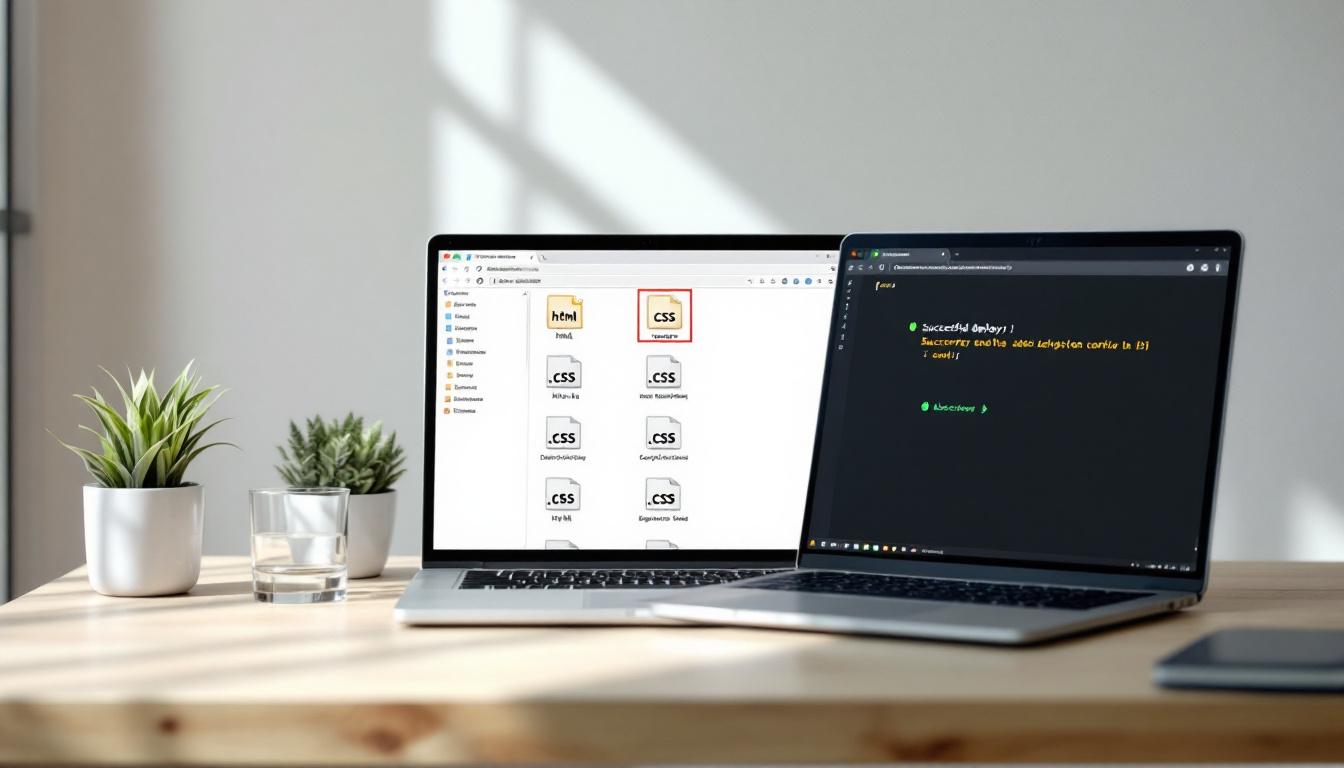
Static HTML output (what the WebForger backend actually generates) caches at the edge, has near-zero TTFB, and gets a free pass on Core Web Vitals. Page-builder SPAs need to load a runtime, hydrate state, and resolve a dozen API calls before the hero image even appears. If two builders produce equally good copy and design, the static one wins on SEO and conversion every time, just by being fast.
This is also why WebForger compares well against Wix and against WordPress on raw performance, even when the visual quality is matched. The output format matters more than the editor.
How do I tell a real AI builder from a template gallery in ten minutes?
Forget the demo videos. Run these four tests on any builder you are evaluating.

1. Variation test. Generate two sites for two different businesses (a dentist and a moving company, say). Are the homepages structurally different, or are they the same template with different words? If they look identical, the AI is doing copywriting only, not design.
2. Page-count test. Ask for a site with Service Area pages for 8 suburbs. Does the builder generate 8 pages with location-specific copy, or does it produce one Service Area page with a list? The first means the pipeline supports programmatic SEO. The second means you are stuck doing it manually.
3. Edit test. Change one sentence on the homepage. Does it deploy in seconds, or does it require regenerating the page from scratch? Real site editing matters more than initial generation, because you will do it 100 times more often.
4. Speed test. Open the published site on a slow 3G throttle in DevTools. Time to first paint over 2 seconds means it is a heavy SPA. Under 1 second means proper static output. The difference shows up in Google Analytics within a week of going live.
Will Google penalise an AI-generated site?
No. Google has been clear and consistent on this: it judges content by quality, not by author. Thin AI copy ranks badly. Useful AI copy ranks fine. The bottleneck is the brief and the editing pass, not the model.
The actual penalty risk is doorway pages: a builder that pumps out 50 near-identical pages with location names swapped in, hoping Google ranks all of them. This is a violation regardless of who wrote it. The good AI builders have a different approach to local SEO: they generate substantively different pages with location-specific service descriptions, customer references, and locally relevant FAQ content. That works. The lazy version does not.
Can I edit the site after it is generated?
You should be able to, easily. If a builder treats generation as a one-shot and edits as "regenerate the page," walk away. Site content changes constantly: new services, updated pricing, seasonal pages, new blog posts, new case studies. A platform that makes this difficult is selling you a one-time deliverable disguised as a website.
The functional checklist: can you edit a single section without touching others? Can you change one paragraph without breaking the layout? Can you add a new page without it inheriting all the wrong template defaults? Can you do a bulk find-and-replace across the site? If any of these is missing or feels fragile, the builder is not built for ongoing use.
Do I still need a designer or copywriter?
For most small businesses with a clear positioning and an honest brief, no. The first draft is good enough to ship, and a friend with reasonable writing taste can polish it in an afternoon.
For a high-stakes brand site with a strong identity, yes. AI builders sit in the middle band: better than a DIY template, not as bespoke as a custom design studio. If your brand is the product (think a luxury fashion house, a high-end restaurant group, a creative agency selling its own taste), pay for the designer. If your brand is "we do the thing well and want to be findable on Google," AI is a serious option in 2026 and a major cost saver.
How do AI builders handle multilingual sites?
The better ones treat language as a first-class dimension: same content tree, separate localised copy per language, separate URL paths (/zh/about, not ?lang=zh), language-specific shared headers, and proper hreflang tags. Edits in one language do not silently overwrite the other.
The lazier ones translate the default language at request time, which Google does not love and which means you cannot edit the translated version without losing the change on the next regeneration. If multilingual is on your roadmap, ask the builder to show you a real bilingual site they have shipped. Run both URL paths through Google Search Console's URL Inspection tool. The site should look like two distinct, indexable pages, not one page with a translation widget.
How fast is "fast enough" for a small business site in 2026?
Three concrete numbers from the Core Web Vitals framework, which is what Google scores on:
- Largest Contentful Paint under 2.5 seconds on mobile. Anything over 4 seconds is "poor" and actively drags rankings.
- Time to First Byte under 0.8 seconds. If the server is slow before any rendering happens, nothing else can save you.
- Cumulative Layout Shift under 0.1. Layout that jumps around as the page loads kills conversion.
Most Wix and Squarespace sites we have audited fail at least one of these on mobile. Static-first AI builders generally hit all three by default because the architecture does the work, not the optimisation pass.
What does this mean for choosing one in practice?
AI website builders are not all the same product, even when the marketing copy is interchangeable. Some are template engines with a chat layer. Some are real generative pipelines that output static sites. Some are aimed at hobbyists, some at small businesses, some at agencies running 50 client sites at once.
If you are picking between two big-brand options as a non-technical owner, Wix vs Squarespace is the most useful starting point. If Wix has gotten too slow or restrictive, our take on Wix alternatives covers the field. If you came to WordPress for control and stayed for the maintenance, the WordPress alternatives piece sketches the way out. And if you want the longer companion read on this exact decision space, the honest list of Wix alternatives has the comparison tables and the case study.
What does the takeaway actually look like?
AI website builders are pipelines, not magic. The good ones break the work into narrow steps and do each one carefully: clean brief, right page set, section-level copy, per-page imagery, static output. The bad ones hide a template gallery behind a chat box and hope you do not notice.
The four tests above (variation, page count, edit speed, mobile load time) tell you which one you are looking at in about ten minutes. If you want to see what a static, AI-generated site actually looks and feels like, the WebForger product page walks through the full output, from brief to live site, with no marketing fog. And if you have specific questions before trying it, we are happy to answer them.
Try WebForger, generate a live preview of your site in 5 minutes